
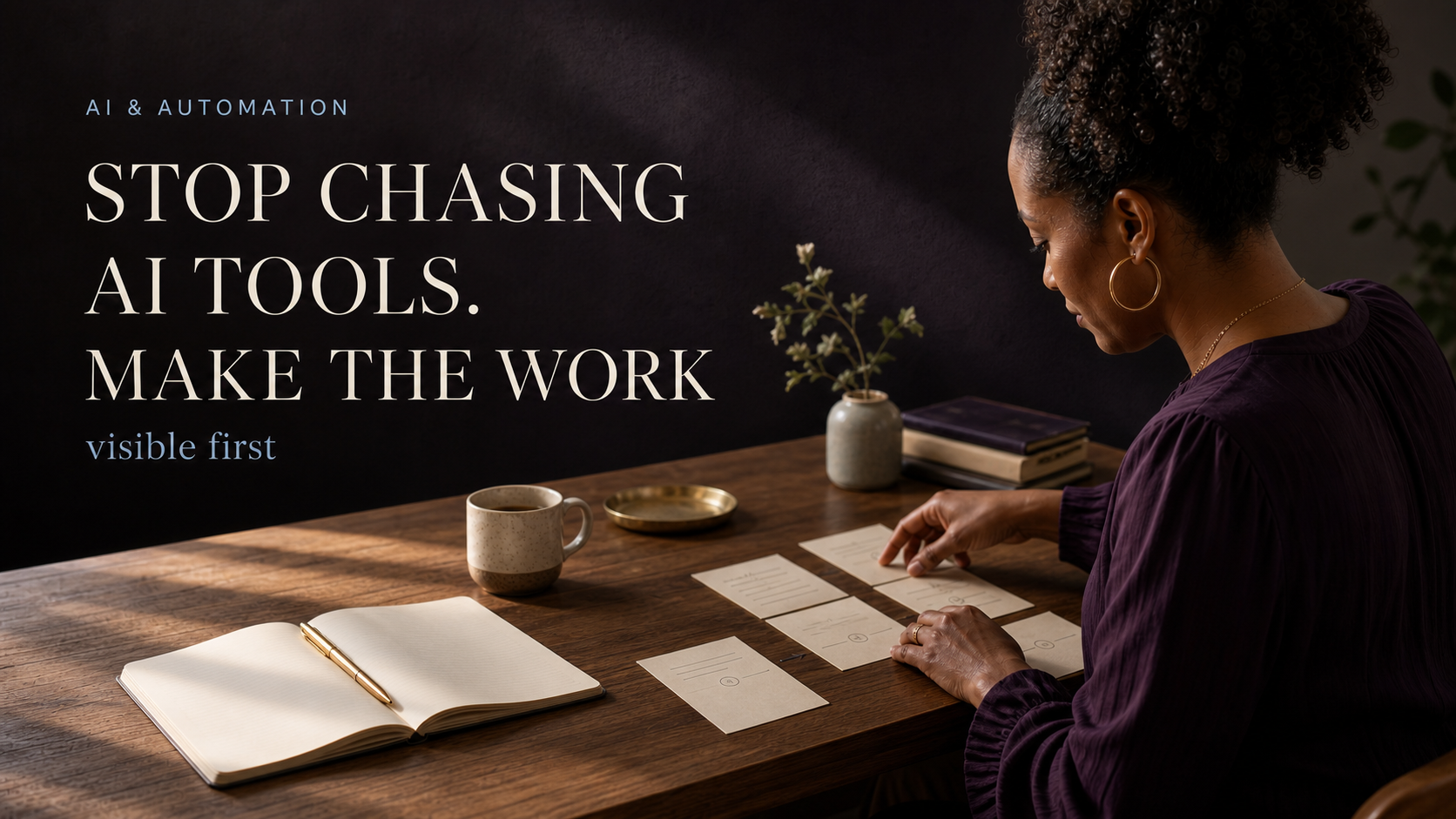

The next AI tool may be useful. It may even be exactly right for the job.
But usefulness and timing are not the same thing.
If you are moving from prompt hacks to custom GPTs, agents, n8n workflows, image tools, video tools, and another free trial (hoping one of them will finally make the work easier), the missing piece may not be another tool. It may be clarity around the work itself.
That is the idea behind clarity before automation.
Watch the short explanation here:
In my work, I began to notice a pattern: the setup kept expanding while the decision stayed unclear. Another tool meant another place to prepare, maintain, and hope the answer would appear. The work, its context, and the result still needed definition first.
The better question was not “Which tool should I try next?” It was “What decision am I asking the tool to make before I have made it myself?”
A tool can make unclear work move faster
Shiny-object syndrome often looks productive. You research a new platform, save a prompt, start another project, or build a specialized assistant.
Sometimes that effort is useful. Sometimes it creates a faster version of confusion.
The difference is whether the workflow can already answer a few practical questions:
- What business result needs to improve?
- What repeatable task supports that result?
- Where does human judgment still matter?
- What context does the work require?
- What does success look like?
- Where should the result go next?
If those decisions are still vague, the tool is being asked to design the workflow while it performs the workflow.

1. What business goal are you trying to move?
“Use AI more” is not a business goal.
Name the result the workflow should support. Is the goal to shorten research time, prepare a first draft, organize customer questions, improve a handoff, reduce repeated setup, or make review easier?
The goal does not have to be dramatic. It has to be clear enough that you can tell whether the workflow helped.
2. What repeatable task supports that goal?
Choose a task with a visible beginning and end.
“Create content” is broad. “Turn an approved campaign brief into a review-ready LinkedIn post” is easier to define, test, and improve.
The narrower task also makes it easier to see whether a simple checklist is enough or whether the work justifies a more involved build.
3. Where does human judgment still matter?
AI can help draft, sort, summarize, compare, and suggest.
That does not mean it should silently make every business decision.
Mark the points where a person needs to verify:
- facts and claims;
- source quality;
- audience fit;
- voice and tone;
- visual quality;
- privacy or rights;
- the final call to action; and
- whether the work is ready to move forward.
Human review is not a failure of automation. It is the point where someone checks the facts, the visual, the judgment call, and whether the work is ready to move forward.

4. What inputs and context does the workflow need?
A good prompt cannot replace missing source material.
Useful inputs may include:
- the approved strategy;
- audience and offer context;
- brand voice and do-not-say rules;
- current examples;
- required format;
- source links;
- campaign decisions; and
- the details that define a usable finish.
The goal is not to give the system every file you have. The goal is to give it the right context for this job.
5. What does success look like?
Define the quality standard before generating.
For content, success may mean the right audience, one clear message, an accurate claim set, an appropriate call to action, and a draft that needs only small refinements before review.
“It produced words” is not a finish line.
If the work keeps requiring multiple rounds of correction, inspect the workflow before regenerating again. Consider whether the goal was unclear, a source was missing, or the task was too broad. Did the brief fail to define what good looked like?
That diagnosis often improves the system more than another tool recommendation.
If a result keeps needing the same kind of correction, I do not treat that as a cue to regenerate forever. I look back at the workflow: Was the goal clear? Was a key source missing? Was the task specific enough for anyone – or any tool – to do well? That diagnosis usually improves the system more than another tool recommendation.
6. Where should the output go next?
Every workflow needs a destination.
Does the output move into human review, a client handoff, a content calendar, a knowledge base, a publishing draft, or a measurement loop?
If no one knows what happens after generation, the workflow can create more material without creating forward motion.
Choose the tool after the workflow is visible
Once the job, context, quality standard, review point, and destination are clear, the tool decision becomes easier.
You may need:
- a repeatable manual process;
- an existing platform;
- a focused automation;
- a custom assistant;
- or a more governed memory and execution system.
The answer depends on the work. That is why clarity comes first.
Use the five-step system
For the practical framework, watch AI Automation for Beginners: 5 Steps Before You Build Anything:
Open the interactive AI Workflow Builder Map:
https://app.prosperousmaps.com/maps/NjAwMzE_c2VtPTE=
Or download the static PDF with notes:
https://drive.google.com/file/d/1Y0tCCLF_FZEaCBP120OsimDjHd0GFQnc/view?usp=drive_link
If scattered context is the problem you uncover, continue with the founder story: